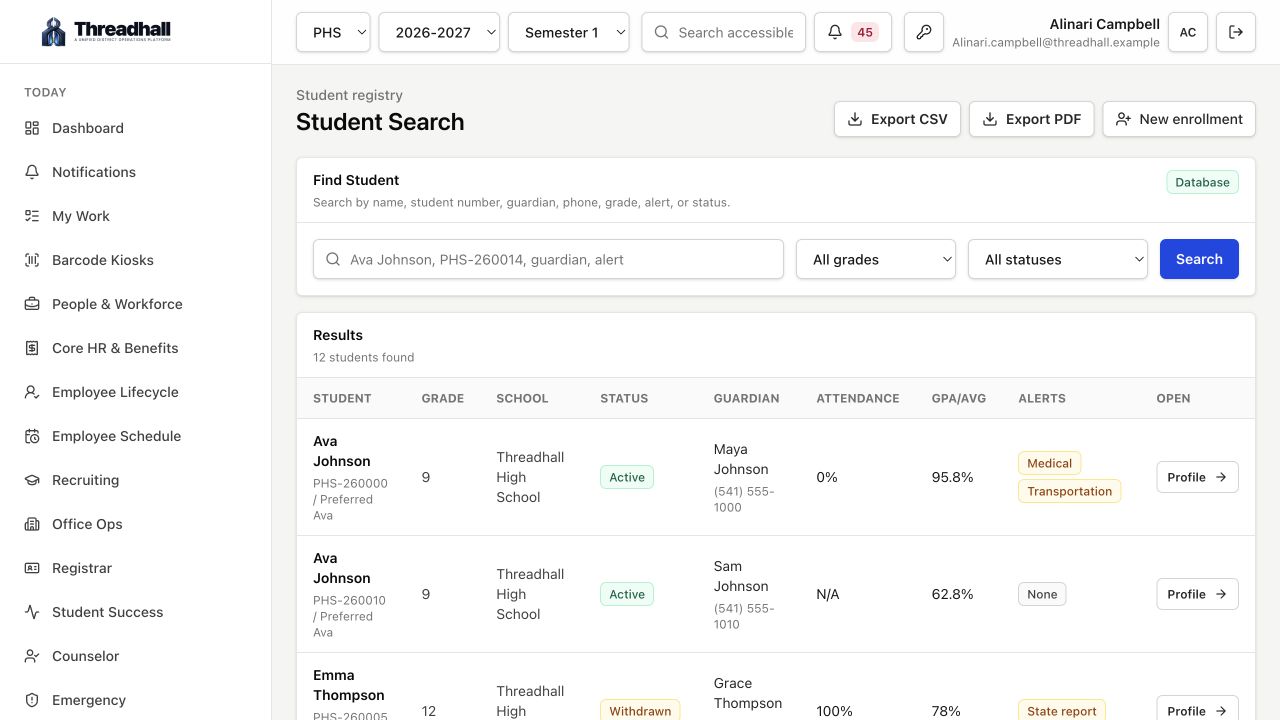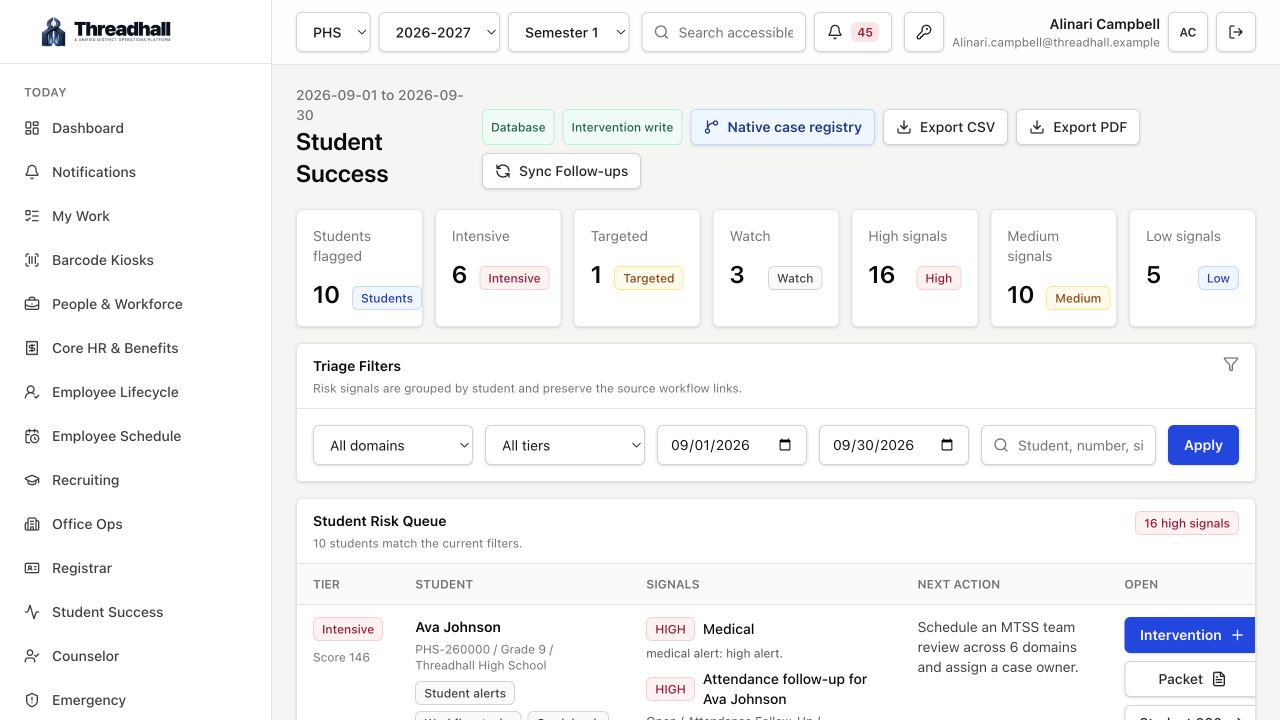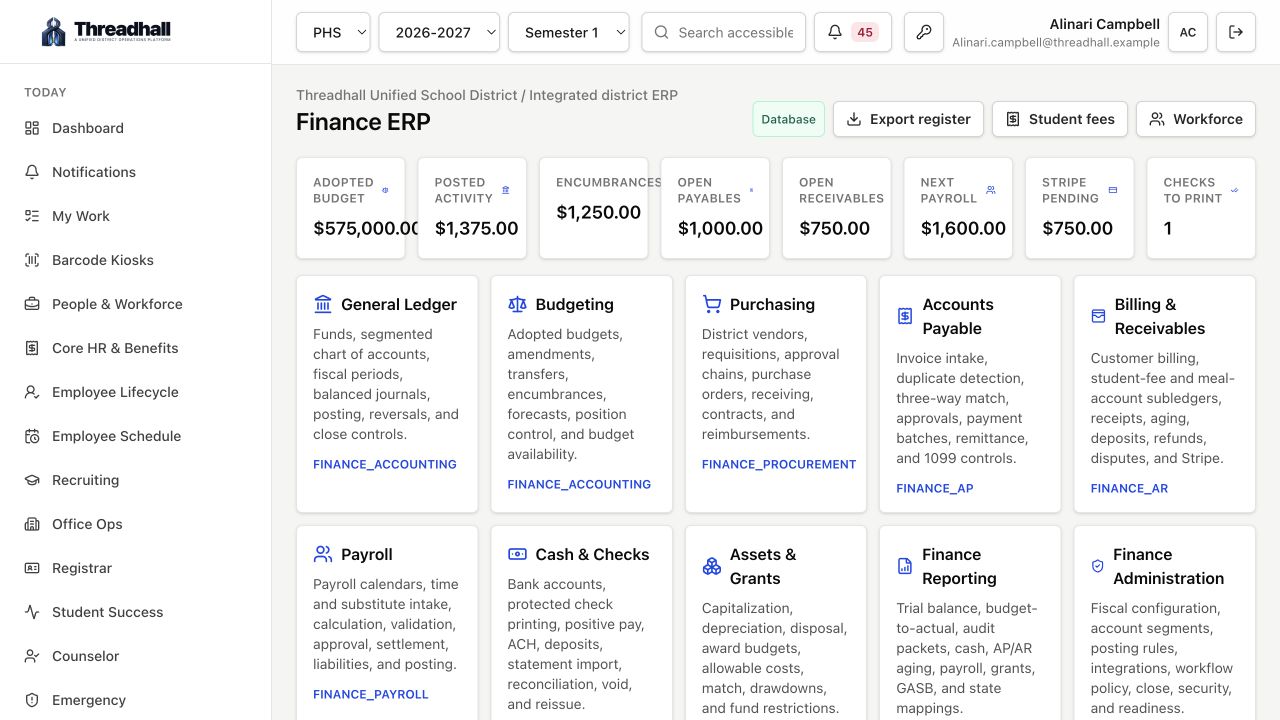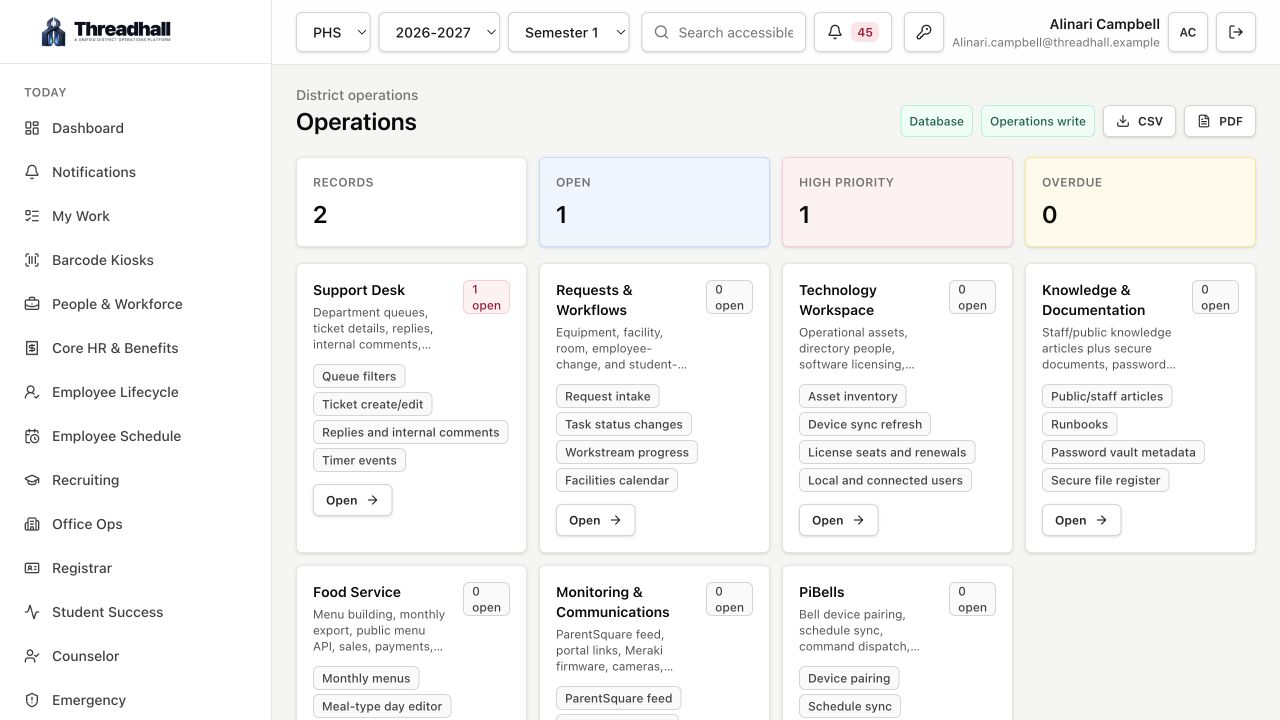
Web workspace Requests, assets, menus, reports
iPhone client Field triage and follow-up
iPad client Roomy school-team review
Mac client All-day operations console
Threadhall across every district screen

One school operations workspace on web, iPhone, iPad, and Mac.

Requests, assets, student and staff workflows, facilities, food service, monitoring, reports, and district services stay connected from the main workspace to the mobile clients your teams carry through the day.

Mac client
Mac dashboard
iPad dashboard
iPhone dashboard
10 Launch-ready work areas
12+ Connected district systems
1 Portal for every team

A teacher opens a request. Threadhall already knows the person, school, device, queue, and likely owner.

Operations teams publish menus, run workflows, review assets, and watch service health without leaving the portal.

Leadership gets live workload, inventory, food service, and monitoring reports without rebuilding spreadsheets.

Client platforms

Work starts anywhere. The record stays in one place.

Threadhall now presents as a product family: a full web workspace, a fast iPhone companion, a spacious iPad client, and a Mac client for repeated operations work.

View full gallery
Web
Available now

The full district operations workspace.

The web app is the primary workspace for requests, assets, workflows, food service, reporting, admin settings, and connected-system review.

Web Threadhall screenshot
Full workspace, requests, operations, and admin surfaces Dense tables, reports, exports, and connected-system configuration District branding, role-aware navigation, and release-ready settings
iPhone
Available now

Fast field triage for requests and daily operations.

The iPhone client gives staff a signed-in pocket workspace for request review, ticket follow-up, asset checks, people records, and quick operational context away from a desk.

iPhone Threadhall screenshot
Mobile dashboard and priority request queue Ticket detail, comments, assignment, status, and attachments More tab for people, services, knowledge, and settings
iPad
Available now

A roomy operations surface for office and school teams.

The iPad client gives office, facilities, and leadership teams a regular-width Threadhall workspace with sidebar navigation and room to review queues, signals, and daily work.

iPad Threadhall screenshot
Split-friendly dashboard and request queues Asset, people, and workflow review for mobile staff Food service and operations views with tablet-scale room
Mac
Available now

Desktop-class Threadhall for repeated admin work.

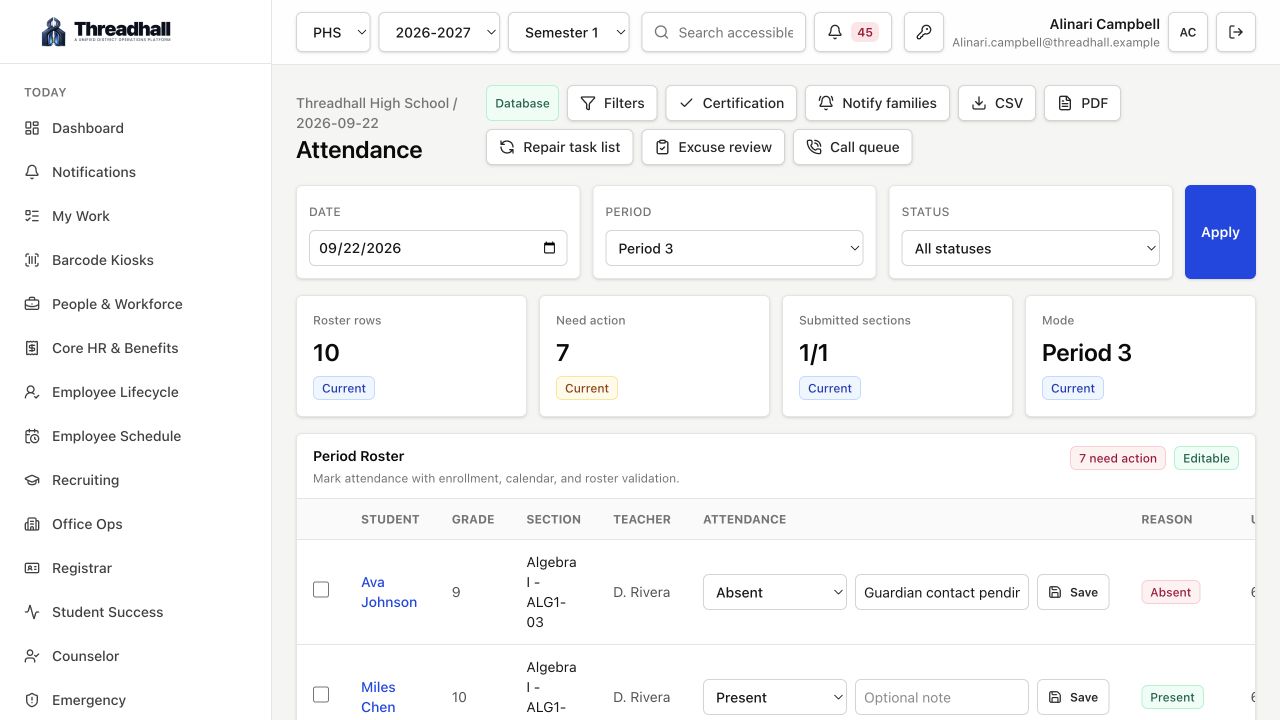
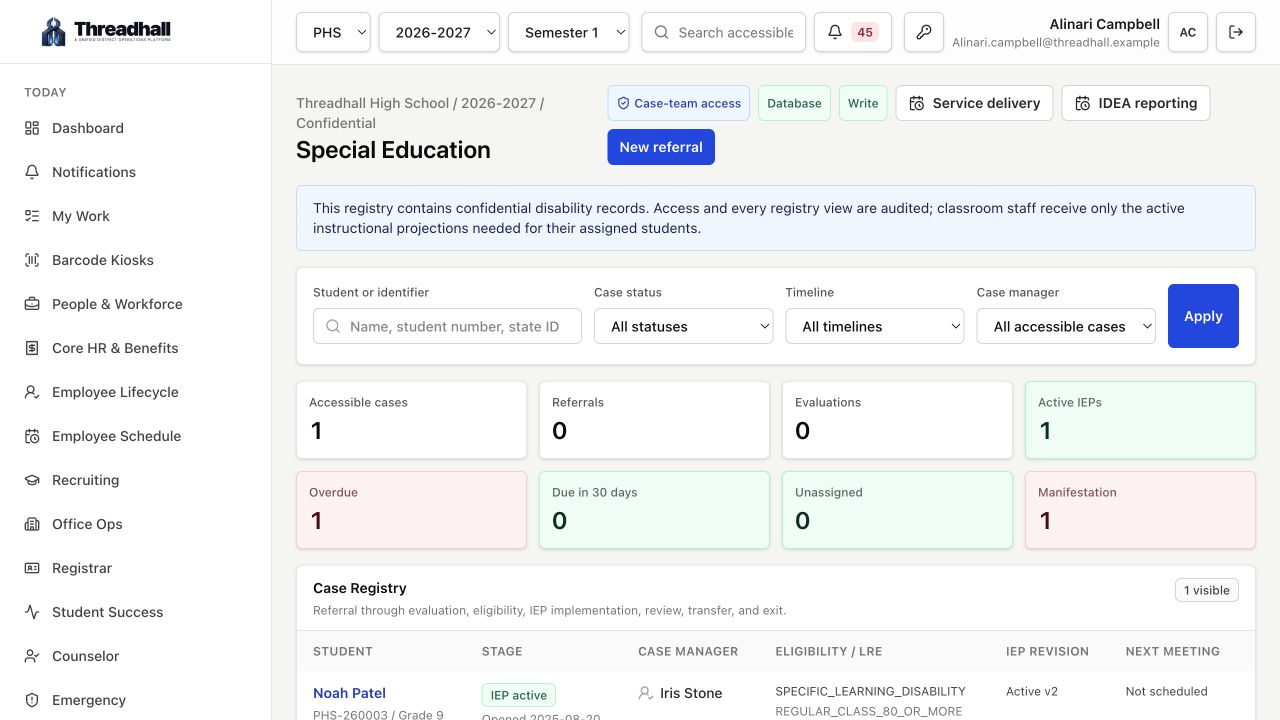
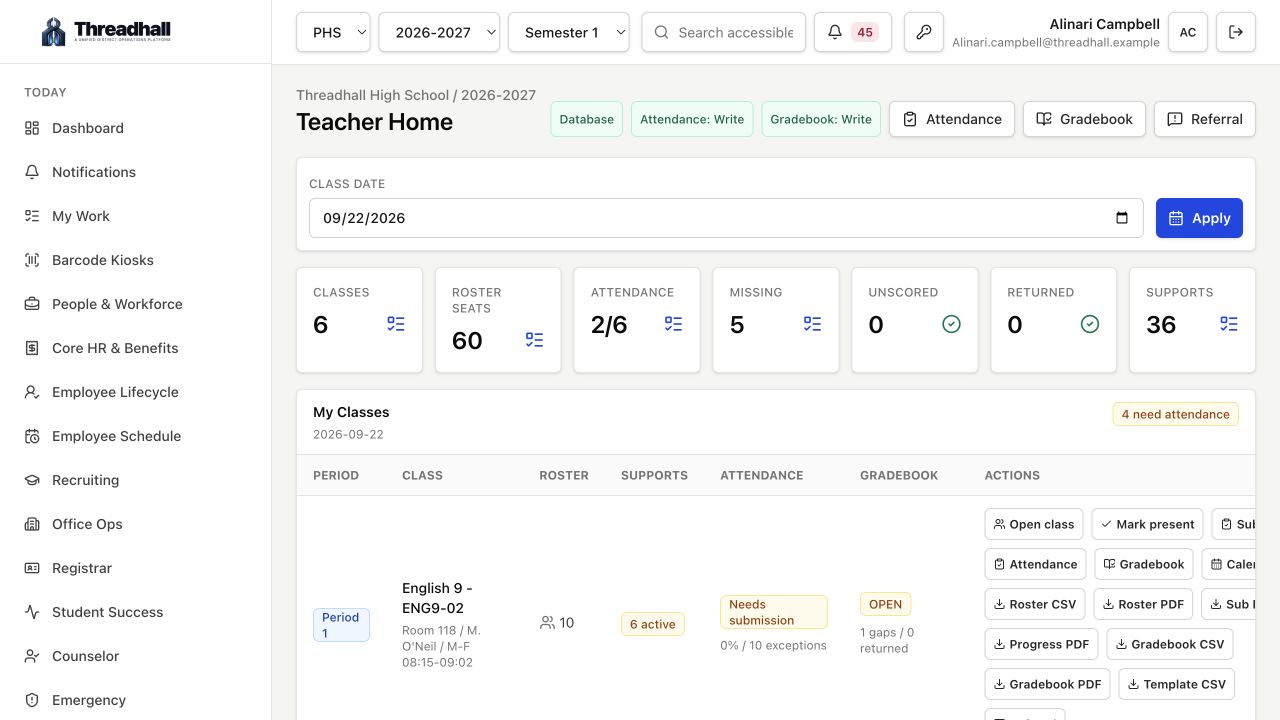
The Mac client is built for staff who live in Threadhall all day: queue triage, request review, reporting, exports, admin settings, and cross-system operations.

Mac Threadhall screenshot
Desktop dashboard and high-density request review Reports, CSV/PDF exports, and leadership review Admin settings, integrations, and workspace rollout controls
Operational spine

Built around the rhythm of a school day.

Threadhall is not a generic ticket system with education words sprinkled on top. It is shaped around district records, recurring interruptions, public obligations, and the teams that have to keep moving.

01

Capture

Staff, students, office teams, maintenance, and food service start work through the same district front door.

Requester, location, role, device, school, and department context travel with the request.
02

Resolve

Technicians and operators work from focused queues with the records, history, files, and ownership already attached.

Tickets, assets, people, comments, approvals, calendars, and assignments stay connected.
03

Publish

Approved operational data can face the district: menus, status, documentation, reports, and portal services.

Threadhall is built for staff use, leadership review, and public-facing district workflows.
04

Prove

Leaders can see what changed without asking teams to rebuild spreadsheet summaries after the fact.

Workload, inventory, menu, monitoring, and workflow reporting come from the same record.
Product proof

Real surfaces for real district work.

Tour the platform
Web workspace

Start from one district operations view.

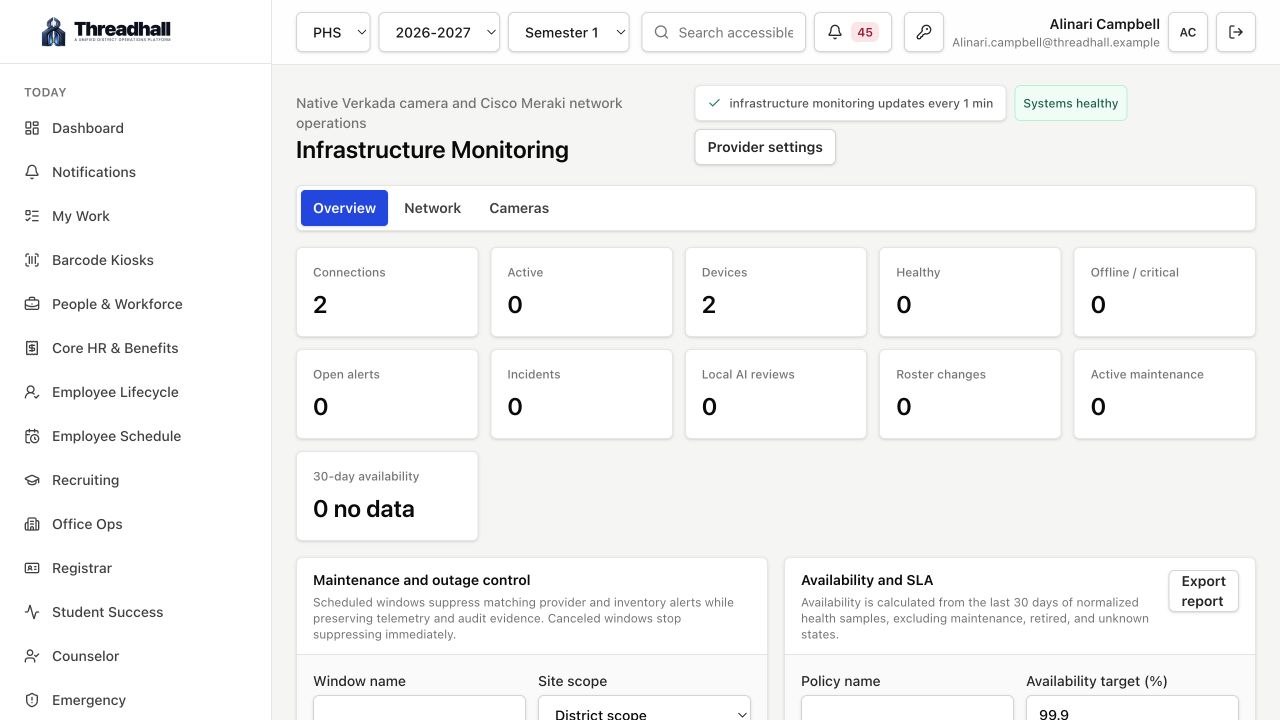
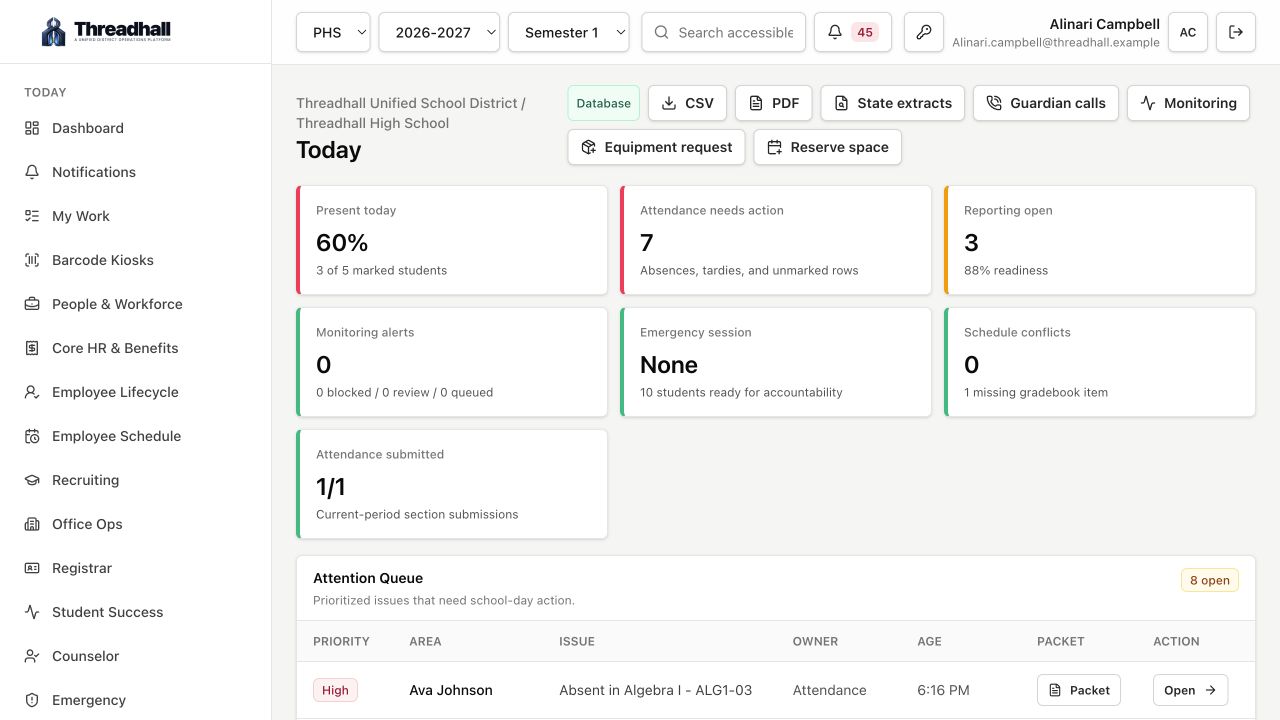
The dashboard brings requests, workflows, monitoring, cameras, backups, quick links, food service, communications, and health signals into a workspace teams can scan quickly.

Workspace Requests Operations
Start from one district operations view.
Requests

Open a request and the context is already there.

The request view brings the requester, email, assignment, active work timer, related asset, attachments, private technician comments, and knowledge matches into a compact workspace.

Device-aware Technician notes Related articles
Open a request and the context is already there.
Assets

Keep device history tied to the people using it.

Asset records bring together assignment, room, platform version, lifecycle, warranty, remote help status, movement history, and request history.

Assignments Lifecycle History
Keep device history tied to the people using it.
Food service

Menus are not a PDF chore anymore.

Food service can build menus by school year and month, manage staff meal sales and balances, and expose approved menus to the district website through the API.

SY-aware Staff sales Website API
Menus are not a PDF chore anymore.
Reports

Turn daily work into usable leadership summaries.

Reports cover requests, assets, workflows, menus, monitoring, people, and operations trends with CSV and styled PDF output.

CSV exports PDF reports Leadership views
Turn daily work into usable leadership summaries.
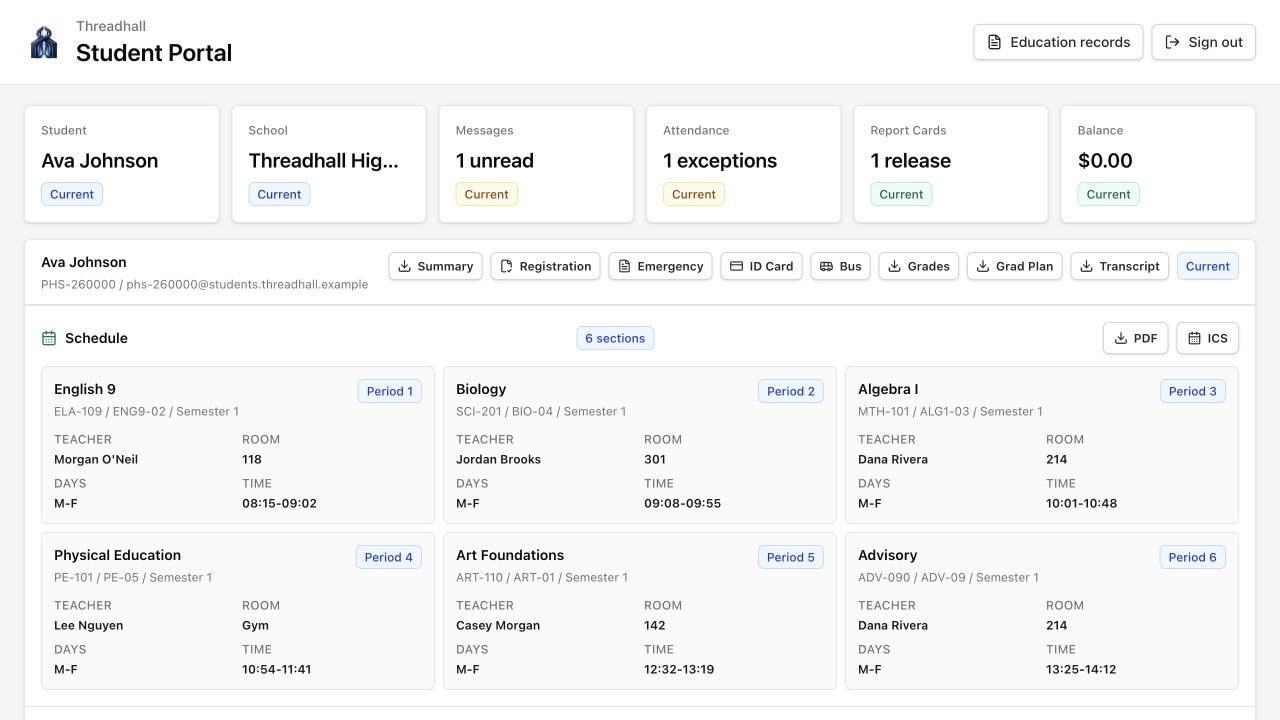
Student view

Keep student-facing tools focused and separate.

Student surfaces can expose school links, schedules, knowledge, and approved services without pulling staff-only operations into the student experience.

Role-aware School links Knowledge
Keep student-facing tools focused and separate.
Admin

Tune the workspace without losing the product shape.

Admin settings, integrations, release controls, branding, SSO behavior, and district-specific setup live in a compact operations surface.

Settings Integrations Rollout controls
Tune the workspace without losing the product shape.
Screenshot library

A broader look at the product family.

The refreshed gallery now spans the web workspace, Admin, iPhone, iPad, and Mac. These are product screenshots, not abstract mockups.

District operations dashboard
Dashboard District operations dashboard
Unified operations dashboard
Web workspace Unified operations dashboard
Device-aware request detail
Requests Device-aware request detail
Asset intelligence
Assets Asset intelligence
Asset inventory
Assets Asset inventory
Food service studio
Food service Food service studio
Operational reports
Reports Operational reports
Student portal
Student view Student portal
Admin workspace settings
Admin Admin workspace settings
Admin and integrations
Admin Admin and integrations
iPhone dashboard
iPhone iPhone dashboard
iPhone dashboard blocks
iPhone iPhone dashboard blocks
Built for district roles

The same record, shaped for each team.

Threadhall keeps the operating model consistent while letting each role work from the density and device that fits the moment.

IT and support

Requests, device context, knowledge, remote-help clues, and private work notes in one place.

Office and student services

Student changes, staff changes, people records, and approvals without inbox archaeology.

Facilities and operations

Facilities work, room context, service signals, food service, and public outputs tied together.

Leadership

Live workload, inventory, food service, monitoring, and workflow reports without spreadsheet rebuilds.

Infrastructure credibility

Serious enough for district operations, small enough to actually implement.

The product stance is simple: keep the interface focused, keep the records connected, and give district operators the levers they need without turning every workflow into a consulting project.

Workspace model

Dedicated district workspaces with branded domains, role-aware access, and deployment controls.

Connected systems

Microsoft, Google, Synergy, Meraki, Verkada, Veeam, ParentSquare, LINQ, and local district records can all inform the same workspace.

Admin surface

Admin settings, release tracking, SFTP gateway sync, status checks, and implementation controls are designed for real district rollouts.

Operational outputs

CSV exports, styled PDFs, public menu APIs, status pages, and leadership dashboards are produced from day-to-day operations.

Day-one workspace

A complete district product, not a blank internal-tool kit.

Threadhall ships with the operational areas school teams already recognize, then lets a district tune the implementation around its own schools, roles, data, and policies.

Route tickets by department, link devices automatically, track active technician time, and keep internal notes private.

Manage assets with photos, assignment, platform versions, lifecycle, remote help state, warranties, and linked ticket history.

Create staff and student workflows that can launch Microsoft and Google account creation from the IT task tile.

Build food service menus by school year, sell staff meals, track balances, and publish menus through the API.

Watch Meraki traffic, Verkada cameras, Veeam backups, quick links, and tenant health from role-aware dashboards.

Export polished PDF and CSV reports for tickets, assets, food service balances, workflows, monitoring, and leadership reviews.

Walk through the real product

Bring your district workflow. We will show where it lands.

Tickets, assets, student changes, staff changes, food service menus, reports, dashboard modules, and connected-system data are easier to judge when you see them moving together.